Preferences
Scene
All settings available in the 🍰PAWSBKR N-Panel, including defined Texture Sets, are applied and stored in the Scene properties.
Warning
This means that if you delete a Scene that has Texture Sets and other settings added to it, you will loose all those settings.
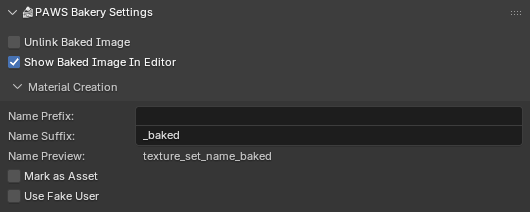
- Unlink Baked Image
Unlinks image from current .blend file after bake.
- Show Baked Image In Editor
Display the baked image in the Image Editor area, if available.
Disabling this may help avoid some crashes, especially in earlier versions of Blender.- Material Creation
Add-on preferences
This settings located in Edit → Preferences → Add-ons → PAWS: Bakery.
General
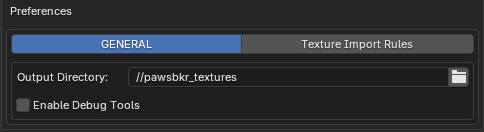
- Output Directory
Path to directory where to save baked textures
- Enable Debug Tools
Used for development. You don’t want to touch that.
Texture Import Rules
This section allows you to disable built-in Texture Import rules or create your own.
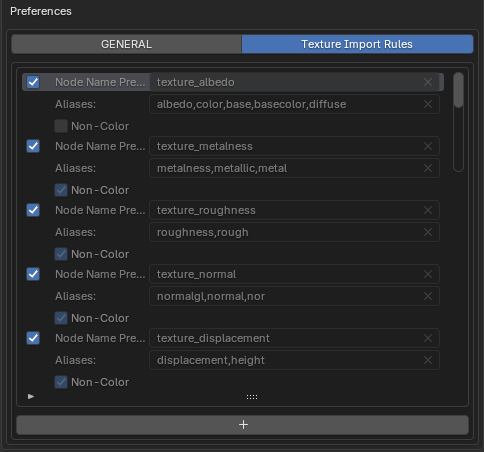
- Node Name Prefix
Prefix of Shader Node names to look for.
- Aliases
List of suffixes to look for in image names to match it with a Shader Node.
- Non-Color
Either imported image should have Colorspace value set to
Non-ColororDefault.